How Does SEO Work: A Technical Guide to Search Visibility in 2026
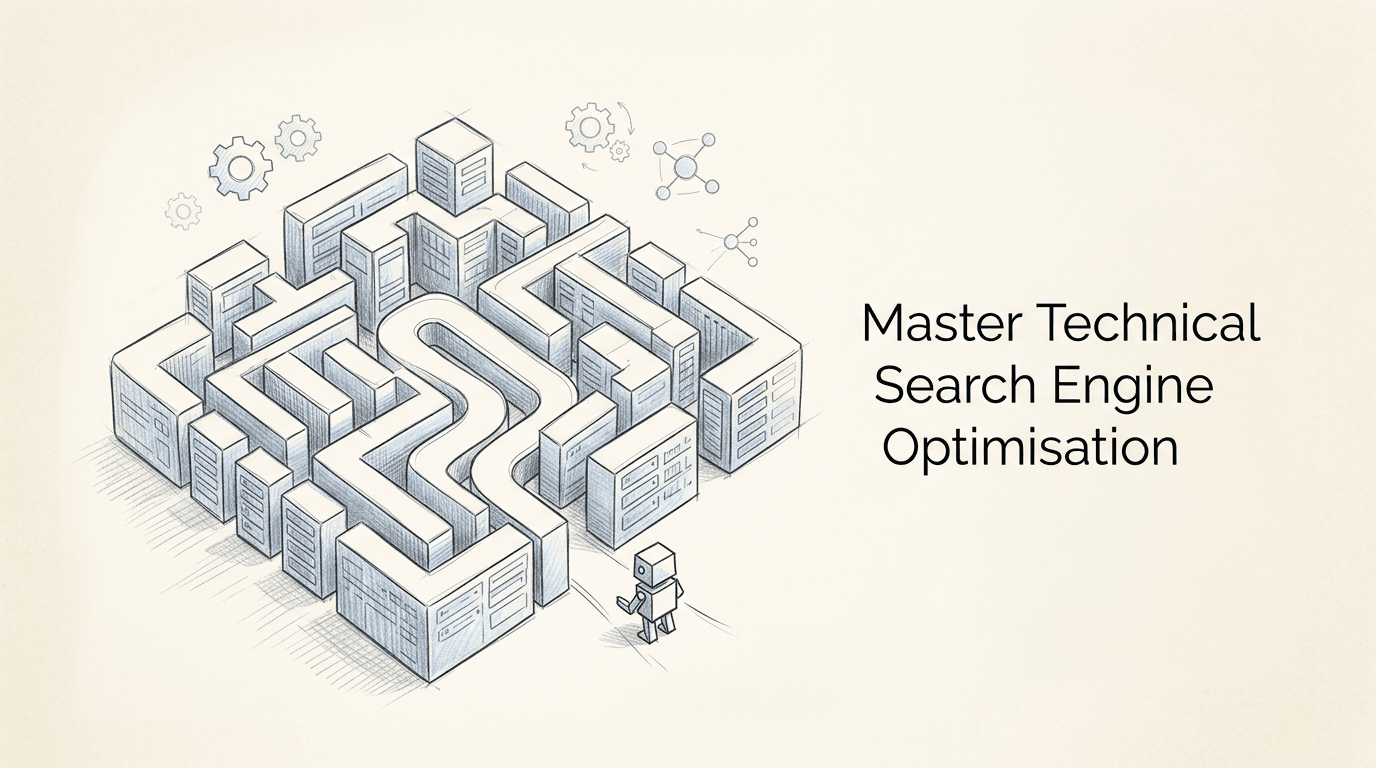
You are watching your server logs, waiting for Googlebot to hit the new product category pages you just deployed, only to realise it is trapped in an infinite redirect loop caused by a trailing slash rule in your server configuration. That is the reality of search engine optimisation. It is not about tricking an algorithm with hidden text; it is about ensuring a highly efficient, automated parser can access, render, and categorise your digital infrastructure without burning its allocated crawl budget. Understanding how does SEO work requires looking past the marketing veneer and examining the mechanics of crawling, indexing, and ranking.
Quick Summary
Search engine optimisation is the technical and structural process of aligning a website's architecture, content, and authority signals with the parsing mechanisms of search engine crawlers. It ensures that a site is discoverable, comprehensible, and deemed authoritative for specific user queries.
- Crawlers rely on clean site architecture and efficient server responses to discover URLs.
- Indexing requires the search engine to render the page, meaning client-side JavaScript can delay or break visibility.
- Keyword research maps user intent to specific URLs, preventing cannibalisation across your domain.
- Authority is calculated through the link graph, requiring external validation from trusted domains.
- Technical errors, such as canonical tag mismatches, are the most common cause of sudden traffic drops.
Table of Contents
- Step 1: Facilitating the Crawl Phase
- Step 2: Managing the Indexing and Rendering Pipeline
- Step 3: Executing Intent Mapping
- Step 4: Structuring On-Page Elements
- Step 5: Building the Authority Graph
- Common Pitfalls & Troubleshooting
- FAQ
- Recommended Reads
Step 1: Facilitating the Crawl Phase
The basics of SEO begin before a user ever types a query. Search engines use automated bots (crawlers) to discover new and updated pages. They start with a seed list of known URLs and follow hyperlinks to find new ones. If your server takes too long to respond, or if your internal linking relies on unparseable JavaScript events rather than standard HTML anchor tags, the crawler will abandon the session. This is known as crawl budget depletion.

The mechanics involve the crawler requesting your robots.txt file first to check for directives, then parsing your XML sitemap, and finally requesting individual HTML documents. The mistake people actually make here is blocking critical rendering assets (like CSS or JS files) in robots.txt under the mistaken belief that it saves bandwidth. When the crawler cannot access these files, it cannot understand the page layout, leading to poor mobile usability scores and suppressed rankings.
Practical rule: Always use standard
<a href="...">tags for internal navigation; never rely ononclickJavaScript events to route users to critical pages.
To ensure your infrastructure is not actively repelling crawlers, you should regularly inspect your server logs. If you lack the technical setup for log analysis, you can run a free site audit at https://rapidwombat.com/audit to identify immediate crawl blocks.
Step 2: Managing the Indexing and Rendering Pipeline
Once a page is crawled, it must be indexed. Indexing is the process of storing and organising the content found during the crawl. However, modern websites are rarely static HTML. They rely heavily on JavaScript frameworks like React or Vue. This introduces a rendering phase. The search engine must execute the JavaScript to see the final DOM (Document Object Model) before it can index the content.
This two-wave indexing process means your text might not be visible to the search engine for days or weeks after the initial crawl. The mechanics dictate that the crawler first indexes the raw HTML. If the content relies on client-side rendering, it goes into a queue for the rendering engine. The mistake practitioners make is putting critical metadata or primary content behind client-side API calls without implementing server-side rendering (SSR) or dynamic rendering fallbacks.
If you are relying entirely on the client's browser to build your page, you are gambling with your search visibility. You must ensure that the initial HTML payload contains the core content and links necessary for the SEO process to function correctly.
Step 3: Executing Intent Mapping
Many practitioners ask what is keyword research in SEO, assuming it is merely the act of finding high-volume search terms. In reality, it is the process of mapping user intent to specific URLs on your domain. If a user searches for "buy industrial coffee machine", their intent is transactional. If they search for "how to descale industrial coffee machine", their intent is informational.
Understanding SEO means recognising that you cannot rank a product page for an informational query, nor a blog post for a transactional one. The mechanics involve analysing the current search engine results pages (SERPs) for a given term to see what format the engine is currently rewarding. The mistake people make is targeting the same high-volume keyword across multiple pages, causing keyword cannibalisation. The search engine becomes confused about which URL is the canonical answer, and consequently suppresses all of them.
You must assign one primary intent to one specific URL. If you have a guide and a product, they must be separate pages, interlinked logically, rather than a single confused document trying to serve two masters.
Step 4: Structuring On-Page Elements
On-page optimisation is the process of translating your content into a format the parser can easily categorise. This is where the SEO fundamentals are applied directly to the HTML document. The search engine uses specific HTML tags to understand the hierarchy and context of the information.
The mechanics rely on the <title> tag, the <h1> tag, and semantic HTML5 elements like <article>, <nav>, and <aside>. The parser weights the text within these elements more heavily than standard paragraph text. The mistake developers make is using heading tags (<h2>, <h3>) for styling purposes rather than structural hierarchy. If your sidebar widget uses an <h2> tag for "Recent Posts", you are telling the parser that "Recent Posts" is a major thematic section of the document, diluting the actual topic.
Every page must have a single, descriptive <h1> tag that aligns with the mapped keyword intent. Subheadings must follow a logical, nested structure. This is not just for search engines; it is a fundamental requirement for accessibility screen readers.
Step 5: Building the Authority Graph
How to do SEO effectively requires looking beyond your own server. Search engines use the link graph - the network of hyperlinks connecting different domains - as a proxy for trust and authority. If a highly trusted domain links to your site, it passes a portion of that trust (often referred to as PageRank) to your URL.
The mechanics involve the search engine evaluating the quantity, quality, and relevance of inbound links. A link from a UK university carries significantly more weight than a link from a newly registered directory. The mistake businesses make is engaging in transactional link schemes, buying hundreds of low-quality links from irrelevant domains. The algorithm is designed to detect these unnatural patterns, and the result is often a manual penalty or algorithmic devaluation that removes the site from the index entirely.
Authority must be earned through digital PR, creating reference-grade content, or leveraging existing business partnerships. It is a slow, compounding process that cannot be safely bypassed with automated link-building software.
Common Pitfalls & Troubleshooting
When search visibility drops, the symptoms often look identical: traffic declines. However, the root causes require entirely different diagnostic approaches.
1. The Canonical Mismatch
- Symptom: A specific, high-performing page suddenly drops out of the index, but the rest of the site is fine.
- Diagnosis: Check the
<link rel="canonical">tag in the page's<head>. - Fix: The most common cause is a CMS update or plugin conflict that accidentally set the canonical tag to point to a different URL, or to an HTTP version instead of HTTPS. Correct the tag to self-reference the exact, secure URL.
2. The Staging Site Leak
- Symptom: Your brand name searches start returning URLs with "staging." or "dev." subdomains instead of your live site.
- Diagnosis: The development environment was not properly secured and search engines crawled it.
- Fix: Immediately apply HTTP Basic Authentication to the staging server. Do not just use
robots.txtto block it, as the URLs can still be indexed without descriptions. Once secured, use the search engine's removal tool to clear the staging URLs.
3. The JavaScript Timeout
- Symptom: New content published on a Single Page Application (SPA) is not being indexed, even after several weeks.
- Diagnosis: Use the URL inspection tool to view the rendered HTML. If the content is missing, the rendering engine is timing out before your JavaScript executes.
- Fix: Implement Server-Side Rendering (SSR) or pre-rendering for search engine user agents. Relying entirely on client-side rendering for core content is the most frequent cause of indexing failure in modern web development.
FAQ
How long does it take for SEO changes to take effect?
Technical changes, such as fixing a broken canonical tag or removing a noindex directive, can be processed within days once the crawler revisits the page. However, authority-building and content mapping typically take three to six months to demonstrate measurable shifts in competitive SERPs.
Do I need to submit my site to search engines manually?
No. Modern search engines rely on automated discovery through the link graph and XML sitemaps. Submitting a sitemap via the engine's webmaster portal is sufficient; manual URL submission is only necessary for forcing a rapid recrawl of a critical fix.
Why is my competitor ranking higher with worse content?
Search algorithms evaluate hundreds of signals. A competitor with inferior content may possess a significantly stronger backlink profile, superior historical domain authority, or a faster, more stable technical infrastructure that provides a better user experience.
Is mobile-first indexing mandatory?
Yes. Search engines now predominantly use the mobile version of a website's content for indexing and ranking. If your mobile site hides content that is visible on the desktop version, that hidden content will not be considered for ranking purposes.