WordPress SEO: Plugins and Optimization Tips
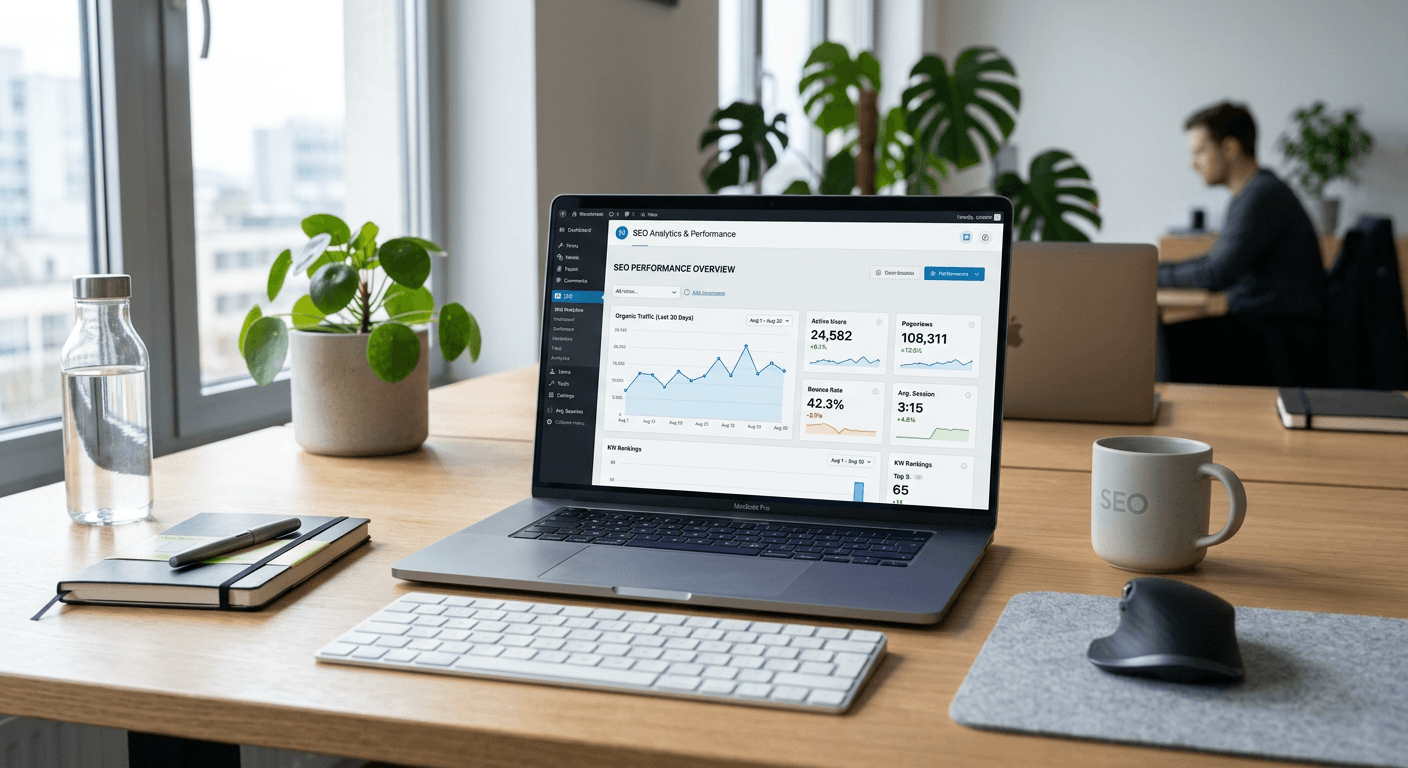
Achieving high search engine visibility requires a robust strategy for WordPress SEO plugins and optimization, as the platform's default settings are often insufficient for competitive rankings. Whether you are a small business owner or a technical lead, understanding how to configure your site structure, metadata, and crawlability is essential for long-term growth.
Quick Summary {#quick-summary}
WordPress SEO involves leveraging plugins and structural best practices to improve site visibility, content indexability, and user experience. By refining technical configurations and content delivery, site owners can significantly increase organic search traffic.
- Utilise dedicated plugins to manage meta tags and sitemaps.
- Implement a logical hierarchy for internal linking.
- Focus on performance metrics and page speed.
- Regularly review site health via a free site audit.
Table of Contents {#table-of-contents}
- Essential WordPress SEO Plugins
- Leveraging WordPress Tags for SEO
- Mastering SEO Wordpress Keywords
- Technical Optimisation for Performance
- The Role of Professional SEO Services for WordPress
- Comparison Table of Optimization Approaches
- FAQ
- Recommended Reads

Essential WordPress SEO Plugins {#essential-wordpress-seo-plugins}
Modern WordPress SEO plugins serve as the backbone of your search strategy. These tools bridge the gap between complex search engine requirements and a user-friendly interface. They allow for the management of XML sitemaps, which communicate your site structure to search bots, and the configuration of canonical tags to prevent duplicate content issues. Popular suites like All in One SEO have set the standard by offering granular control over individual post and page metadata.
When selecting tools, consider the balance between feature depth and performance overhead. A plugin should automate recurring tasks, such as generating meta descriptions or social media open graph tags, without bloating the site with unnecessary scripts. For those requiring a more bespoke approach, you can explore professional resources at RapidWombat to ensure your plugin choices align with your core business objectives.
Pro Tip: Do not install multiple SEO plugins that overlap in functionality. Choosing one comprehensive solution is superior to juggling several tools that can cause database conflicts and slow down your site.
Leveraging WordPress Tags for SEO {#leveraging-wordpress-tags-for-seo}
While categories are used for broad content grouping, WordPress tags for SEO should be treated as specific identifiers that help search engines understand the niche topic of a post. Many site owners make the mistake of over-tagging, creating hundreds of thin-content archive pages that dilute crawl budget. Effective use of tags requires a strategy where tags function as micro-topics that connect relevant content across your site.
From a technical perspective, WordPress tags and seo strategies intersect at the point of indexation. You must decide whether these archive pages offer genuine value to a user. If a tag archive contains only one or two posts, it is often better to noindex that tag or redirect it to a primary category page to prevent the accumulation of low-quality pages that negatively affect your overall domain authority.
Mastering SEO Wordpress Keywords {#mastering-seo-wordpress-keywords}
Researching SEO WordPress keywords remains a critical step in content planning. It is not merely about finding high-volume phrases; it is about mapping user intent to specific pieces of content. By aligning your keyword research with user queries, you create a foundation for authoritative articles that satisfy the searcher's needs, thereby increasing engagement and time on site.
Integrating these keywords into your content must be natural. Search engines are sophisticated enough to understand latent semantic indexing (LSI) and context. Instead of stuffing keywords into paragraphs, focus on topical depth. Answer the questions that surround your core keyword, structure your headers logically, and ensure that your images have descriptive alt text that reinforces the main subject matter.
Technical Optimisation for Performance {#technical-optimisation-for-performance}
Technical SEO is the invisible driver of high rankings. Even with the best plugins, if your server response time is high or your site is not mobile-responsive, your search visibility will suffer. Google’s Core Web Vitals measure user experience, meaning that site speed, layout stability, and interactivity are now direct ranking factors.
To improve your technical standing, start by auditing your site's current performance. You can utilise a free site audit to uncover broken links, crawl errors, and slow-loading assets. Minimising HTTP requests, leveraging browser caching, and using next-generation image formats are standard practices that every WordPress administrator should adopt to ensure the site remains competitive.
The Role of Professional SEO Services for WordPress {#the-role-of-professional-seo-services-for-wordpress}
While plugins provide the tools, professional SEO services for WordPress bring the strategy and execution expertise. Often, businesses reach a plateau where on-page optimisation is no longer enough to push for top-tier keywords. In these instances, external consultancy helps in developing link-building strategies, conducting competitor gap analysis, and refining site architecture for better crawl efficiency.
Professional services are particularly valuable for high-traffic sites where a small configuration error could have significant revenue implications. By consulting with experts at RapidWombat, you ensure that your technical setup is not just functional, but optimised for conversion and long-term scalability. This holistic approach prevents common pitfalls such as improper redirect chains or botched site migrations.
Comparison Table of Optimization Approaches {#comparison-table-of-optimization-approaches}
| Strategy | Focus Area | Technical Difficulty | Impact on SEO |
|---|---|---|---|
| Plugin-based | Meta tags, Sitemaps | Low | High |
| Content Strategy | Keyword intent, depth | Medium | High |
| Technical Audit | Core Web Vitals, Crawl | High | Essential |
| Link Building | Authority, Off-page | High | Critical |
FAQ {#faq}
Do I need multiple SEO plugins to be effective?
No, using multiple plugins often causes code conflicts and site bloat. A single, comprehensive plugin like All in One SEO is usually sufficient for most WordPress installations.
Are WordPress tags bad for SEO?
Not inherently, but they can be if mismanaged. If you create too many unique tags that contain very little content, you risk creating 'thin content' pages that hinder your site's ability to rank.
How often should I conduct an SEO audit?
Technical site health changes frequently as you add content and plugins. It is advisable to conduct an audit at least once every quarter, or immediately following any major site redesign.
Is site speed really a ranking factor?
Yes. Google considers Core Web Vitals, which track loading performance and stability, as significant factors in its ranking algorithms for both mobile and desktop searches.